Guide 8 | Ergonix Workplace Guidance Series
Making the Most of Your Sit-to-Stand Desk
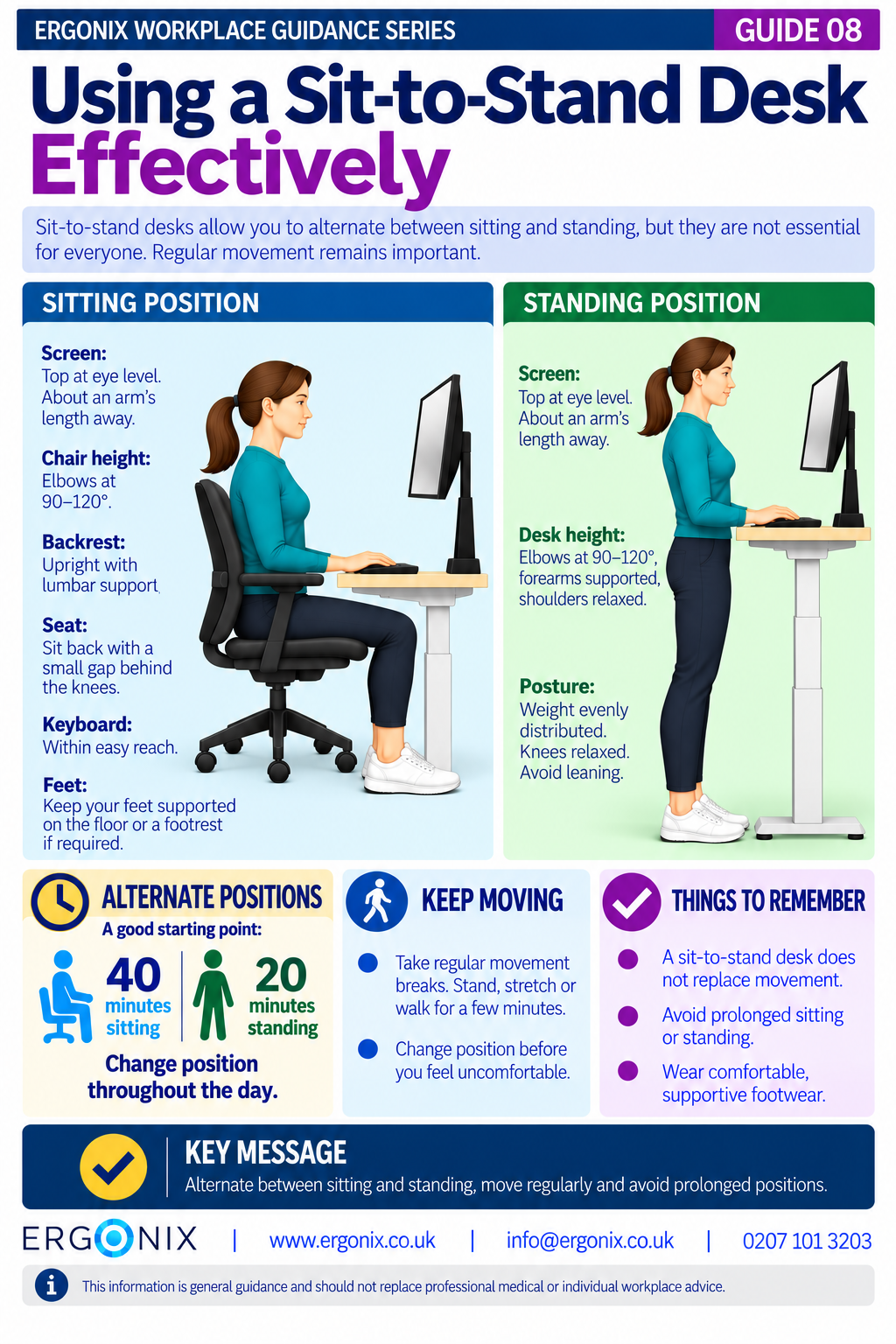
Sit-to-stand desks allow you to alternate between sitting and standing throughout the working day. They can help reduce prolonged sitting and provide greater flexibility in how you work.
However, simply standing instead of sitting does not necessarily improve comfort. Prolonged standing can also contribute to muscle fatigue and musculoskeletal discomfort, particularly in the lower back, legs and feet.
The key is to set up your workstation correctly in both positions, alternate regularly and continue moving throughout the day.
Set Up Your Workstation Correctly
Start by adjusting your workstation in the seated position before raising the desk to standing height.
When Sitting
- Chair: Sit all the way back in your chair, with the backrest in an upright position. There should be a small gap between the back of your knees and the front edge of the seat pan.
- Chair height: Adjust the chair height so your elbows are at 90-120° of flexion when using the keyboard and mouse with your shoulders relaxed.
- Feet: Keep your feet supported on the floor. If your feet do not reach the floor after adjusting your chair height, use a footrest.
- Screen: Position the top of the screen approximately at eye level and about an arm’s length away. Make sure the screen is directly in front of you.
- Keyboard and mouse: Keep both within easy reach.
When Standing
- Desk height: Adjust the desk so your elbows are flexed between 90° and 120°, with your forearms supported and shoulders relaxed.
- Screen: Keep the top of the screen at eye level and about an arm’s length away.
- Posture: Distribute your weight comfortably between both feet, keep your knees relaxed and avoid leaning on the desk.
- Footwear: Wear comfortable, supportive footwear.
Check your screen, keyboard and mouse positions whenever you change the desk height.
Alternate Between Sitting and Standing
There is no single sitting-to-standing ratio that suits everyone. The appropriate balance depends on individual comfort, health needs and the work being carried out.
As a starting point, you could sit for around 40 minutes and stand for 20 minutes, adjusting the frequency and duration to suit your needs. Avoid standing for prolonged periods.
Remember to Keep Moving
A sit-to-stand desk does not replace regular movement.
Even when standing, remaining in the same position for too long can contribute to discomfort and fatigue.
Remember to walk, stretch and change position regularly throughout the working day. Short movement breaks can help to prevent stiffness and discomfort.
Free Workplace Guidance
Download Guide 8 – Using a Sit-to-Stand Desk Effectively (PDF)
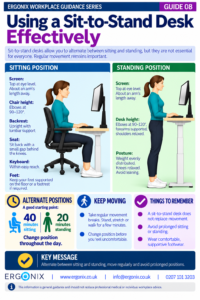
Print and share within your organisation.
This free infographic provides practical guidance on setting up and using sit-to-stand desks comfortably.
It can be shared as part of DSE awareness training, employee inductions, workplace wellbeing initiatives and health and safety communications.
Workplace Ergonomics and DSE Support
Ergonix supports organisations across the UK with specialist DSE workstation assessments, CIEHF-accredited DSE Workstation Assessor training and workplace wellbeing workshops.
Our DSE Workstation Assessor Course is also listed on the CIEHF website as an accredited training course.
In Summary
Sit-to-stand desks provide an opportunity to vary your working position, but neither prolonged sitting nor prolonged standing is ideal.
Set up your workstation correctly in both positions, alternate between sitting and standing, and remember to move regularly throughout the working day.
Frequently Asked Questions
How long should I stand at a sit-to-stand desk?
There is no fixed duration suitable for everyone. You could start with approximately 20 minutes of standing for every 40 minutes of sitting and adjust according to your comfort and individual needs.
Is standing at a desk better than sitting?
Not necessarily. Both prolonged sitting and prolonged standing can contribute to discomfort. The benefit of a sit-to-stand desk is the opportunity to change position regularly rather than remain in one posture.
Do I still need movement breaks when using a standing desk?
Yes. Standing in one place is still a static posture. Take regular opportunities to walk, stretch and move away from your workstation.
Explore More Free Workplace Guidance
Explore the Ergonix Workplace Guidance Series for more practical advice on DSE and workplace ergonomics.
- Guide 1 – Work Comfortably, Protect Your Spine
- Guide 2 – Move More, Feel Better, Perform Better
- Guide 3 – Using a Laptop Comfortably
- Guide 4 – Looking After Your Neck When Using Phones and Tablets
- Guide 5 – Looking After Your Eyes When Using Screens
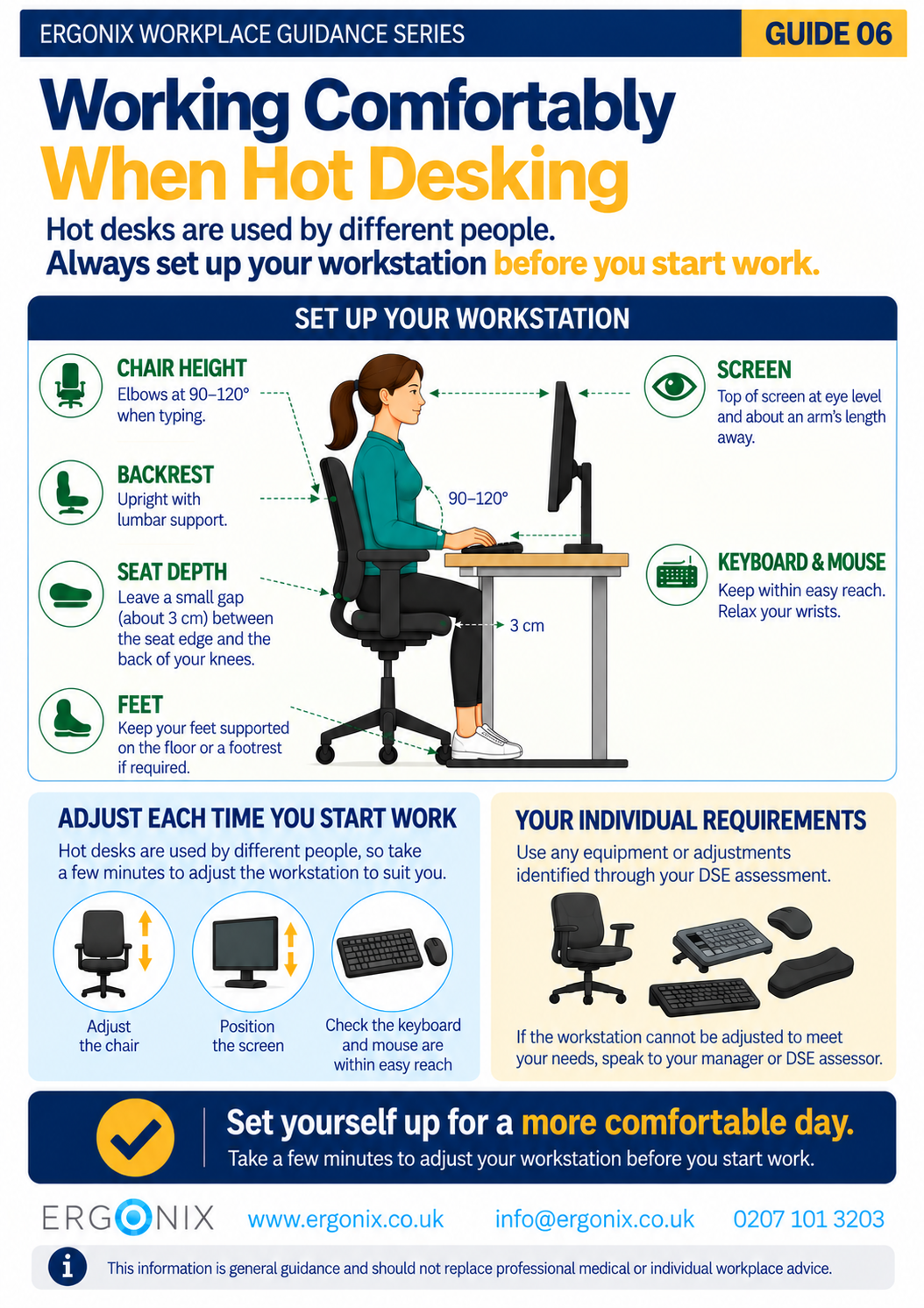
- Guide 6 – Working Comfortably When Hot Desking
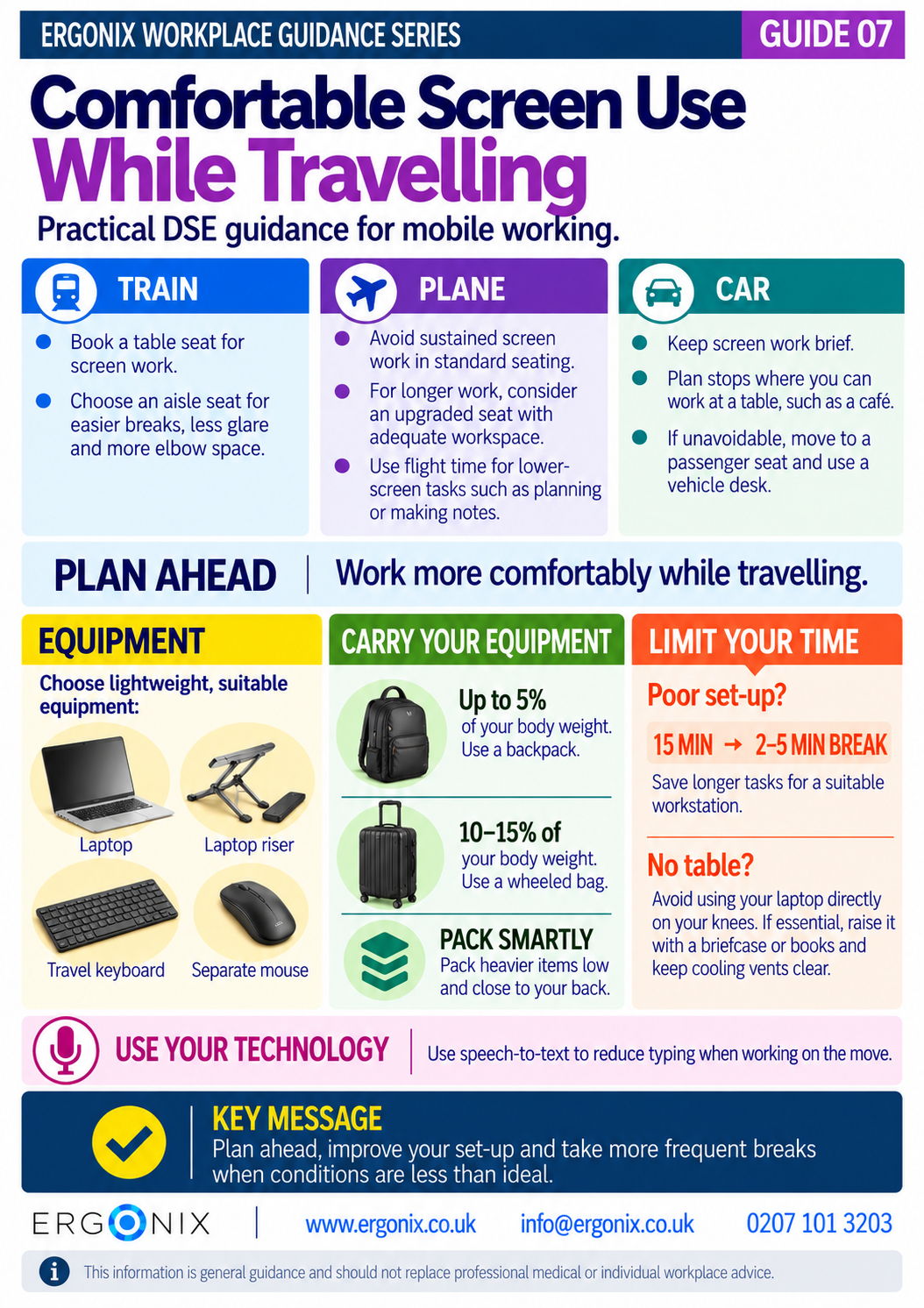
- Guide 7 – Working Comfortably With Screens While Travelling
- Guide 8 – Using a Sit-to-Stand Desk Effectively (PDF)
References and Further Reading
Standing Desks: Are They as Beneficial as They Seem?
Sit-to-stand desk guidance from the CIEHF (Chartered Institute of Ergonomics & Human Factors)
Author: Angela Yates | Workplace Health, Wellbeing & Ergonomics Specialist | HCPC-Registered Physiotherapist