Guide 5 | Ergonix Workplace Guidance Series
Why Eye Comfort Matters
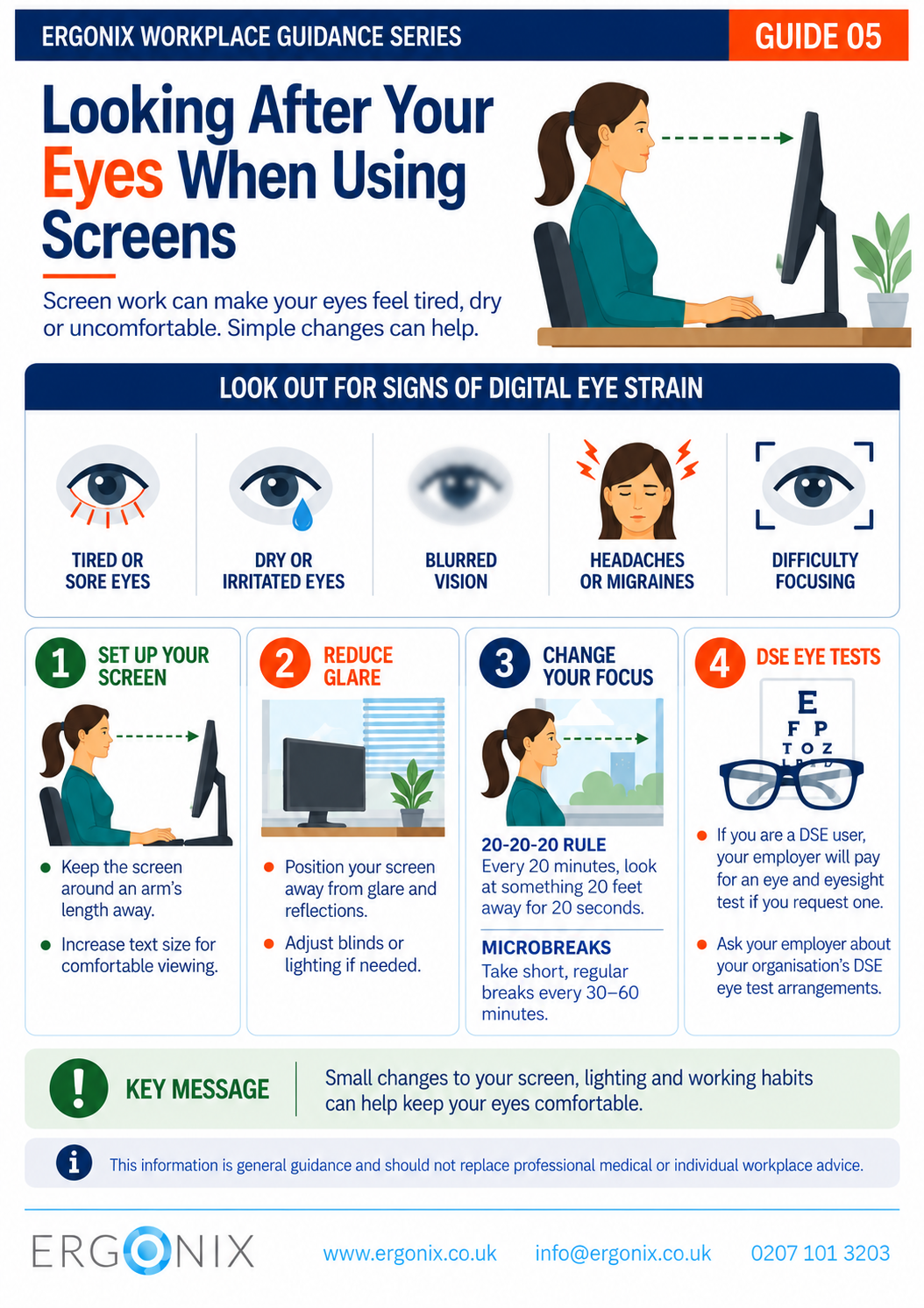
For many employees, using screens is a significant part of the working day. There is no evidence that prolonged screen use causes permanent eye damage, but it can contribute to digital eye strain (HSE DSE, Regulation 5).
Common symptoms can include:
- tired or sore eyes
- dry or irritated eyes
- blurred vision
- headaches or migraines
- difficulty focusing
Reduced blinking during screen use, glare and reflections, poor lighting, unsuitable viewing distances and uncorrected vision can all contribute to visual discomfort (Moore, 2024).
Simple changes to the workstation and the way screen work is managed can help keep the eyes more comfortable throughout the working day.
Set Up Your Screen for Comfortable Viewing
Screen position can influence both visual comfort and working posture.
Position the screen around an arm’s length away and make sure text is large enough to read comfortably without leaning forwards or straining to see it.
The screen should also be positioned so that it can be viewed comfortably without repeatedly bending or extending the neck. A well-adjusted workstation can help support both visual and musculoskeletal comfort.
For more practical advice on workstation setup, see Guide 1 – Work Comfortably, Protect Your Spine.
Reduce Glare and Reflections
Glare and reflections can make a screen more difficult to view and contribute to eye fatigue.
Consider the position of the screen in relation to windows and other light sources. Adjusting blinds, lighting or the position of the monitor can often reduce unwanted reflections.
Screen brightness and text size can also be adjusted to suit the working environment and individual visual needs.
Change Your Focus
Looking at a screen continuously means the eyes spend prolonged periods focusing at a similar distance.
The 20-20-20 rule is a simple way to encourage regular changes in visual focus:
- Every 20 minutes, look at something 20 feet away for 20 seconds.
- This provides a brief opportunity to look away from the screen and focus into the distance.
Microbreaks and Movement
The 20-20-20 rule is not a substitute for taking regular breaks from sustained DSE work.
Take short, regular breaks every 30–60 minutes. Use these opportunities to change position, stand or move where possible.
Regular movement also helps reduce the physical demands associated with prolonged desk-based work. See Guide 2 – Move More, Feel Better, Perform Better for more practical advice on incorporating movement into the working day.
DSE Eye Tests
DSE users can request an eye and eyesight test from their employer (HSE DSE, Regulation 5). The employer is responsible for paying for the test and should tell employees about the arrangements in place for accessing one.
If you are a DSE user:
- Your employer will pay for an eye and eyesight test if you request one.
- Ask your employer about your organisation’s DSE eye test arrangements.
For more detailed information about digital eye strain, DSE eye tests and employer responsibilities, see Digital Eye Strain: What Employers Need to Know About Eye Health and Workstations.
Free Workplace Guidance
Download Guide 5 – Looking After Your Eyes When Using Screens (PDF)
Print and share within your organisation.
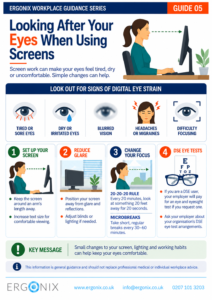
This free infographic provides practical guidance to help employees recognise common symptoms of digital eye strain and improve visual comfort during screen-based work.
It can be printed or shared electronically as part of:
- DSE awareness and training
- workplace wellbeing initiatives
- employee inductions
- health and safety communications
- HR and Occupational Health programmes
Workplace Ergonomics and DSE Training
Ergonix supports organisations across the UK with workplace ergonomics, specialist DSE workstation assessments, CIEHF-accredited DSE Workstation Assessor training and employee wellbeing workshops.
In Summary
Prolonged screen use can contribute to digital eye strain, but simple changes can help improve visual comfort throughout the working day. Position your screen comfortably, reduce glare and reflections, change your visual focus regularly and take short, regular breaks from sustained screen work. DSE users can also request an eye and eyesight test from their employer.
Frequently Asked Questions
Can using computer screens damage your eyes?
There is no evidence that prolonged screen use causes permanent eye damage, but it can contribute to digital eye strain, including tired or dry eyes, blurred vision, headaches and difficulty focusing.
Do employers have to pay for DSE eye tests?
Yes. DSE users can request an eye and eyesight test from their employer. The employer is responsible for paying for the test and should tell employees about the arrangements for accessing one.
Explore More Free Workplace Guidance
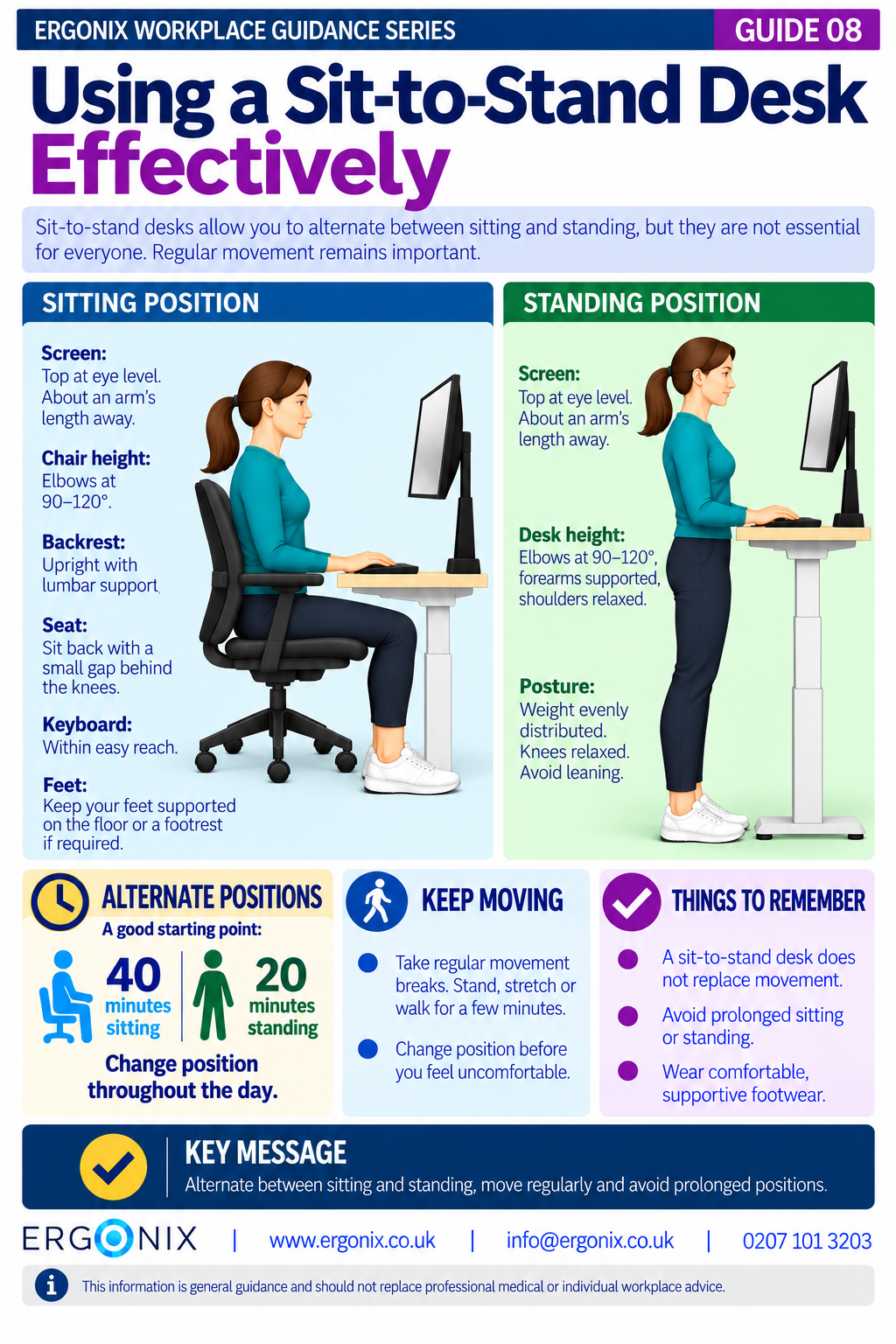
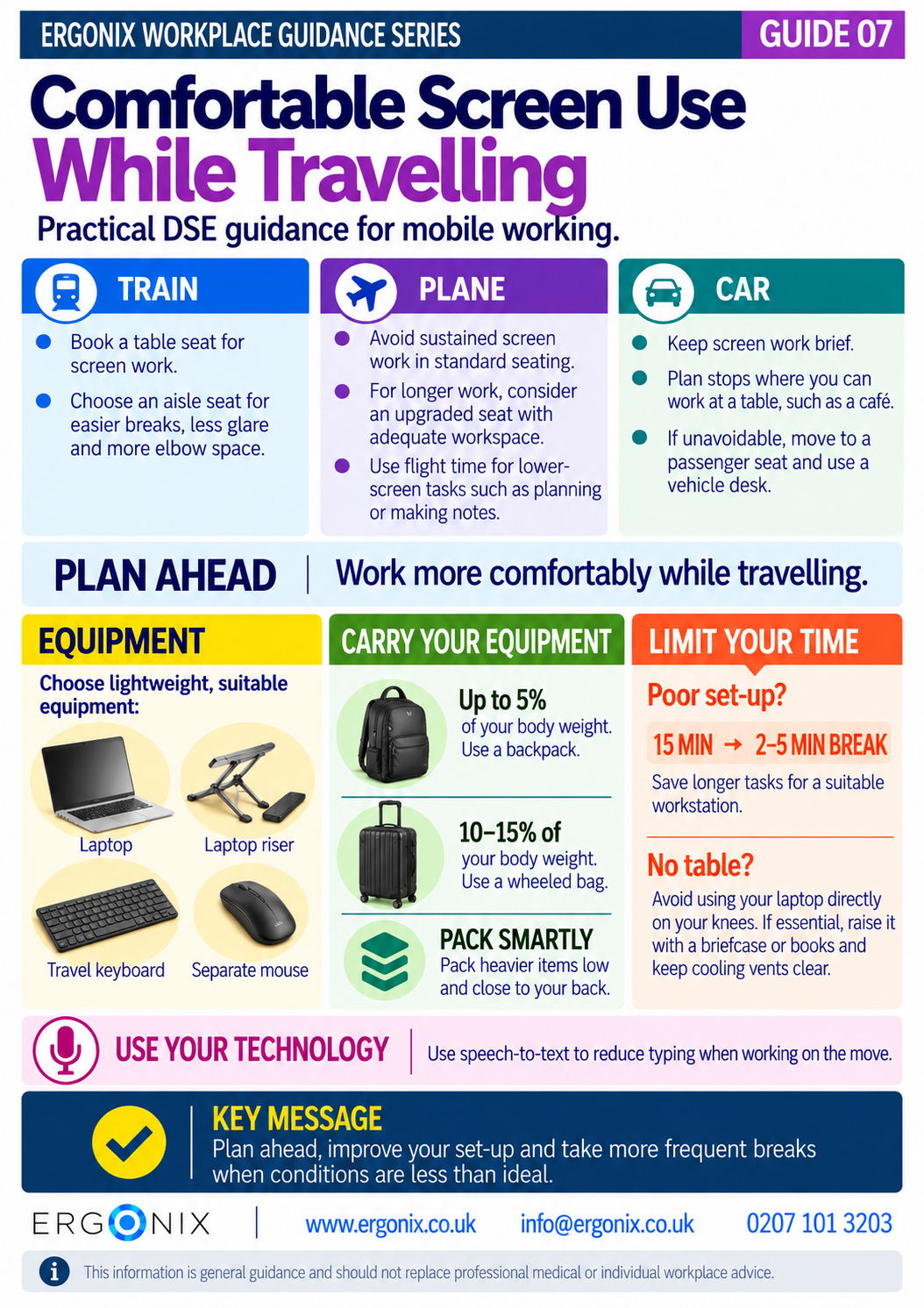
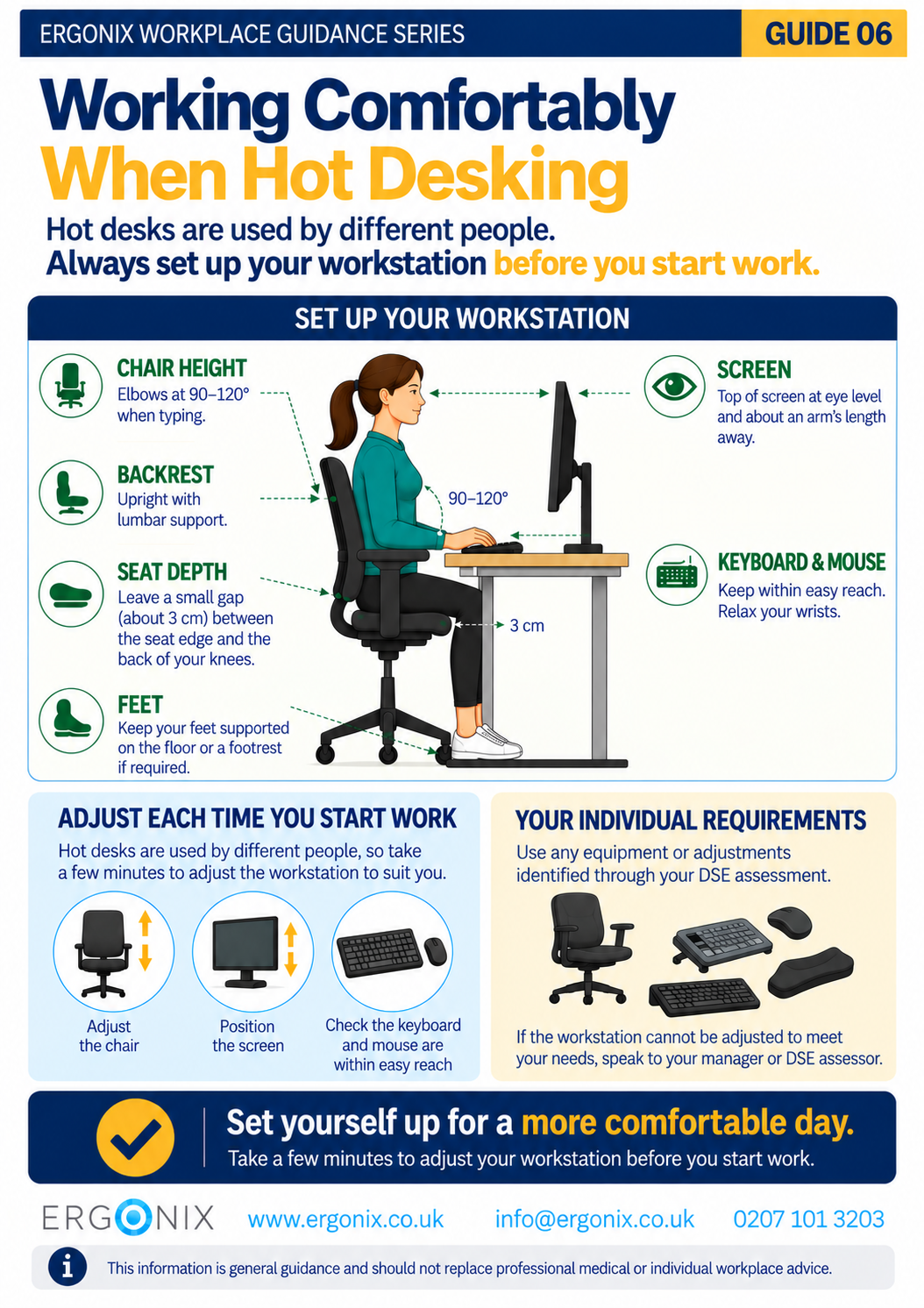
Explore more free guides in the Ergonix Workplace Guidance Series, covering practical ways to improve comfort, reduce musculoskeletal strain and support healthier ways of working.
- Guide 1 – Work Comfortably, Protect Your Spine
- Guide 2 – Move More, Feel Better, Perform Better
- Guide 3 – Using a Laptop Comfortably
- Guide 4 – Looking After Your Neck When Using Phones and Tablets
- Guide 5 – Looking After Your Eyes When Using Screens (PDF)
References:
Moore, P.A. (2024) Digital eye strain, Dispensing Optics
Author: Angela Yates | Workplace Health, Wellbeing & Ergonomics Specialist | HCPC-Registered Physiotherapist