Guide 7 | Ergonix Workplace Guidance Series
Working while travelling is increasingly common. Laptops and other mobile devices allow us to work on trains, planes, in cars and between meetings, but these environments are rarely designed for prolonged screen work.
Limited space, fixed seating and fewer options for positioning equipment can make it difficult to achieve the same working set-up you would have at a desk. Mobile screen use can contribute to musculoskeletal discomfort and digital eye strain, particularly when unsuitable working arrangements are used for longer periods.
Mobile working ergonomics focuses on adapting working arrangements, equipment and work routines to reduce musculoskeletal risks when working away from a conventional workstation.
The key is to think ahead, make the best use of the space and equipment available and reduce the amount of screen work you do when the working arrangement is poor.
Plan Ahead When Working While Travelling
Before travelling, think about the work you intend to do and whether the journey provides a suitable environment for carrying it out.
Not every task needs to involve prolonged screen use. Consider whether some of the journey could be used for activities that require less screen time, such as reviewing your day, organising your workload or making brief notes.
Where screen work is necessary, a little planning can make a significant difference.
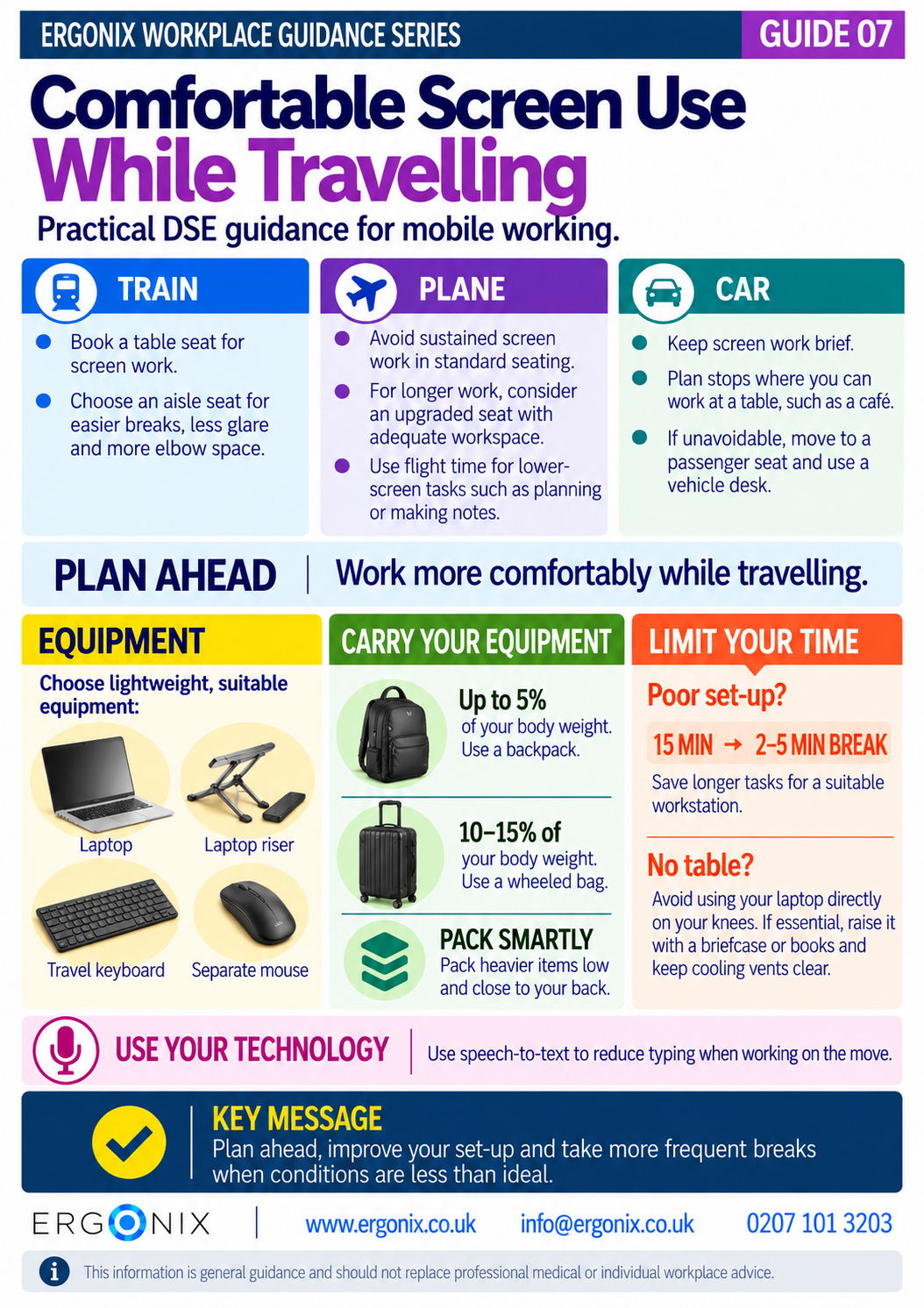
On trains, book a table seat where possible. An aisle seat can also be useful, making it easier to get up regularly, providing more elbow space and helping you position yourself away from troublesome glare.
On planes, avoid prolonged laptop or tablet use in standard seating where space is restricted. If you expect to work for longer periods, consider whether a seat with additional space would provide a more suitable working area.
When travelling by car, plan stops where you can get out of the vehicle and work at a table. If you have no alternative but to work inside a stationary car, keep it brief, move to a passenger seat where possible and consider using a suitable vehicle desk to support your laptop and reduce excessive neck and spinal flexion and rounded shoulder postures.
Plan journeys around opportunities to work more comfortably rather than spending prolonged periods in a poor set-up, as this can contribute to awkward postures, increased muscle fatigue and musculoskeletal discomfort.
Choose Lightweight, Suitable Equipment
If working while travelling is a regular part of your role, the equipment you carry can make a significant difference.
When a suitable table is available, a portable laptop riser with a separate keyboard and mouse can help you create a better working arrangement.
Portability and usability both matter. Smaller or lighter equipment may be easier to transport, but it still needs to be suitable for the work you are doing. A very small screen or keyboard, for example, may not be practical or comfortable for longer periods of work.
Aim for equipment that is easy to carry but remains comfortable and practical to use for the work you need to do.
Match Your Working Time to Your Set-Up
How long you work should reflect the quality of your working arrangement. The less suitable the set-up, the shorter the period of screen work should be.
As a practical guide:
- When using a laptop directly on your knees, keep use very brief and take a 2–5 minute break after around 15 minutes.
- If your laptop is on a table but you do not have separate equipment, take a 2–5 minute break after around 30 minutes.
- For longer periods of work, improve the set-up by raising the screen and using a separate keyboard and input device, while continuing to take regular breaks.
The aim is not to continue working in a poor set-up and simply take a break every 15 minutes. If you need to work for longer, improve the set-up so that it is better suited to the task.
Carry Your Equipment Comfortably
Mobile working also means carrying your equipment, so consider both how much you take with you and how you transport it.
For loads over approximately 5% of your body weight, use a backpack worn over both shoulders to distribute the load more evenly. For heavier loads of around 10–15% of your body weight, consider a wheeled bag.
When using a backpack, keep heavier items low and close to your back and adjust the straps so the bag sits comfortably against your body.
Only carry what you need and keep your mobile working equipment lightweight.
Use Technology to Reduce Typing
Improving mobile working is not only about physical equipment.
Speech-to-text and voice commands can reduce the amount of typing needed when you are working with limited space. They can be useful for tasks such as drafting emails, recording notes or preparing documents while travelling.
Using voice input alongside suitable equipment can help reduce the physical demands of mobile working by limiting repetitive hand and finger movements, reducing strain on the wrists and forearms, and minimising prolonged neck and trunk flexion and rounded shoulder postures.
Free Workplace Guidance
Download Guide 7 – Comfortable Screen Use While Travelling (PDF)
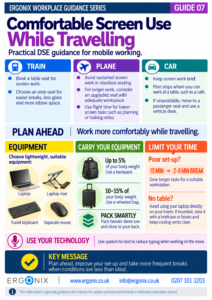
This free infographic provides practical DSE and ergonomics guidance for employees who use screens while travelling for work.
It can be printed or shared electronically as part of DSE training, business travel guidance, employee inductions, workplace wellbeing initiatives and health and safety communications.
Workplace Ergonomics and DSE Support
Ergonix supports organisations with workplace ergonomics, specialist DSE workstation assessments, CIEHF-accredited DSE Workstation Assessor training and workplace wellbeing workshops.
In Summary
Working while travelling often means using screens in environments that were not designed as workstations.
Think ahead about what work needs to be done during the journey and where you will be able to do it comfortably. Choose equipment that is practical to carry and suitable to use, improve your working arrangement where possible and limit the time spent working when the set-up is poor.
When conditions are less than ideal, work for shorter periods and take more frequent breaks.
Frequently Asked Questions
How can I work more comfortably on a laptop while travelling?
Plan where you will work before travelling, use a table where possible and consider carrying a lightweight laptop riser, separate keyboard and mouse. When the set-up is poor, keep screen work brief and take more frequent breaks.
Can I work on a laptop in a car?
Avoid prolonged laptop work in a car where possible. If you need to work, the vehicle should be stationary and screen work should be kept brief. Move to a passenger seat and use a suitable vehicle desk where possible, or plan a stop somewhere with a table for longer periods of work.
How long should I work on a laptop if the set-up is poor?
Keep screen work brief when the working arrangement is poor, particularly if the laptop is directly on your knees. As a guide, take a 2–5 minute break after around 15 minutes. If you need to continue working, improve the set-up rather than returning repeatedly to the same poor working position.
Is it better to work at a table when travelling?
Yes. Where possible, use a suitable table rather than working with a laptop directly on your knees. If you need to work for longer, raising the laptop and using a separate keyboard and mouse can provide a better working arrangement.
What equipment should I take when working while travelling?
Only take equipment you are likely to use. A lightweight laptop, portable riser, travel keyboard and separate mouse can help you create a better set-up. Use a backpack for loads over approximately 5% of your body weight and a wheeled bag when carrying around 10–15% or more.
Explore More Free Workplace Guidance
Explore the Ergonix Workplace Guidance Series for more practical guidance on working comfortably, DSE and workplace ergonomics:
- Guide 1 – Work Comfortably, Protect Your Spine
- Guide 2 – Move More, Feel Better, Perform Better
- Guide 3 – Using a Laptop Comfortably
- Guide 4 – Looking After Your Neck When Using Phones and Tablets
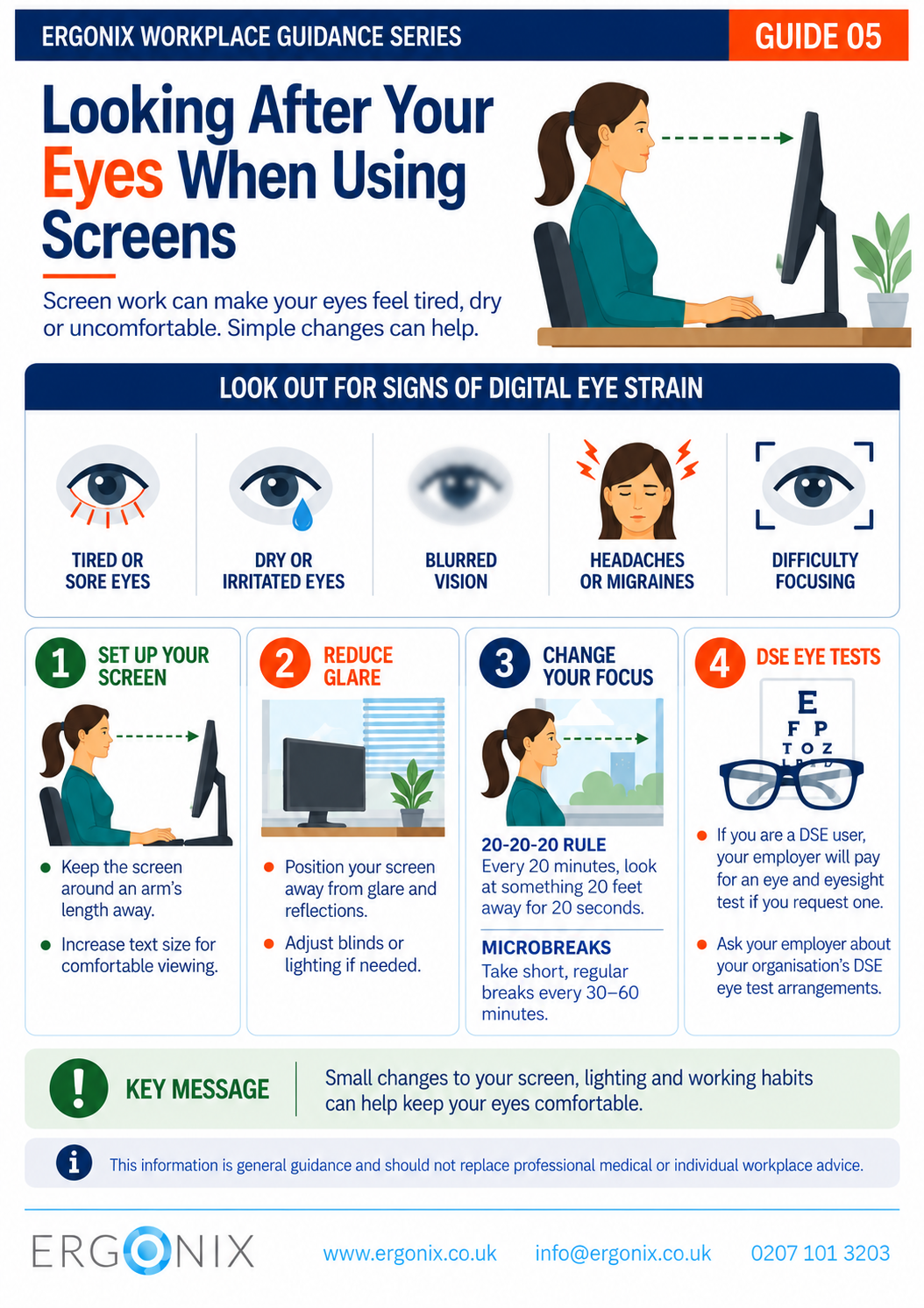
- Guide 5 – Looking After Your Eyes When Using Screens
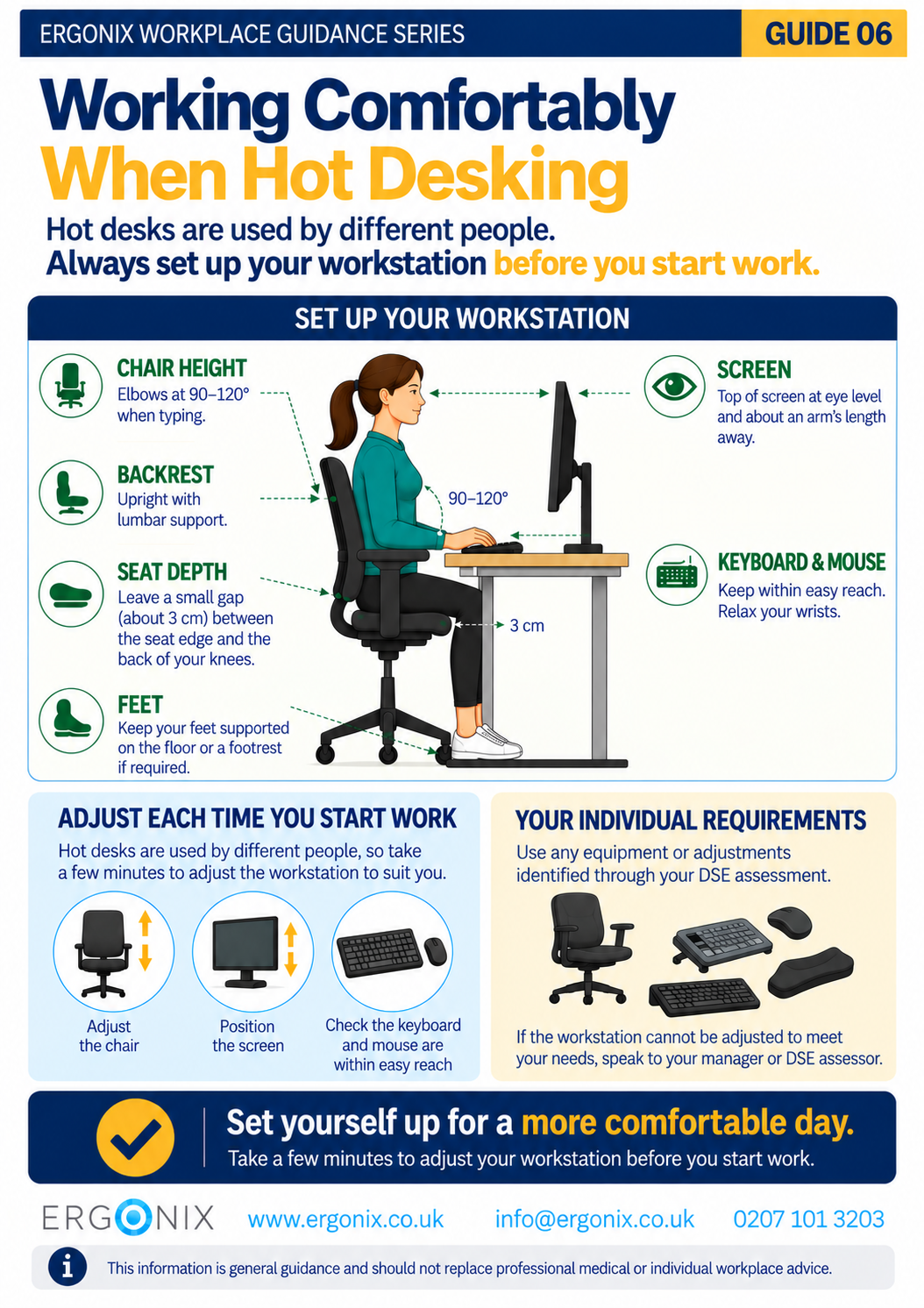
- Guide 6 – Working Comfortably When Hot Desking
- Guide 7 – Working Comfortably With Screens While Travelling (PDF)
References
Health and Safety Executive (HSE). Working safely with display screen equipment.
Further Reading
For more general advice on staying comfortable and looking after your wellbeing when travelling for work, read: How to Avoid Aches and Pains When Travelling for Business.
Digital Eye Strain: What Employers Need to Know About Eye Health and Workstations
How to Tackle Text Neck: Causes, Effects, and Solutions for Digital Device Users
Author: Angela Yates | Workplace Health, Wellbeing & Ergonomics Specialist | HCPC-Registered Physiotherapist