 Most employees spend a significant portion of their day interacting with computers and laptops.
While much attention is given to workstation setup and screen positioning, one factor that is frequently overlooked during workstation assessments is how employees use the keyboard. Touch typing, typing with all fingers without looking at the keyboard, can play a meaningful role in promoting musculoskeletal health, reducing fatigue, and supporting sustainable productivity.
The ergonomic benefits of touch typing
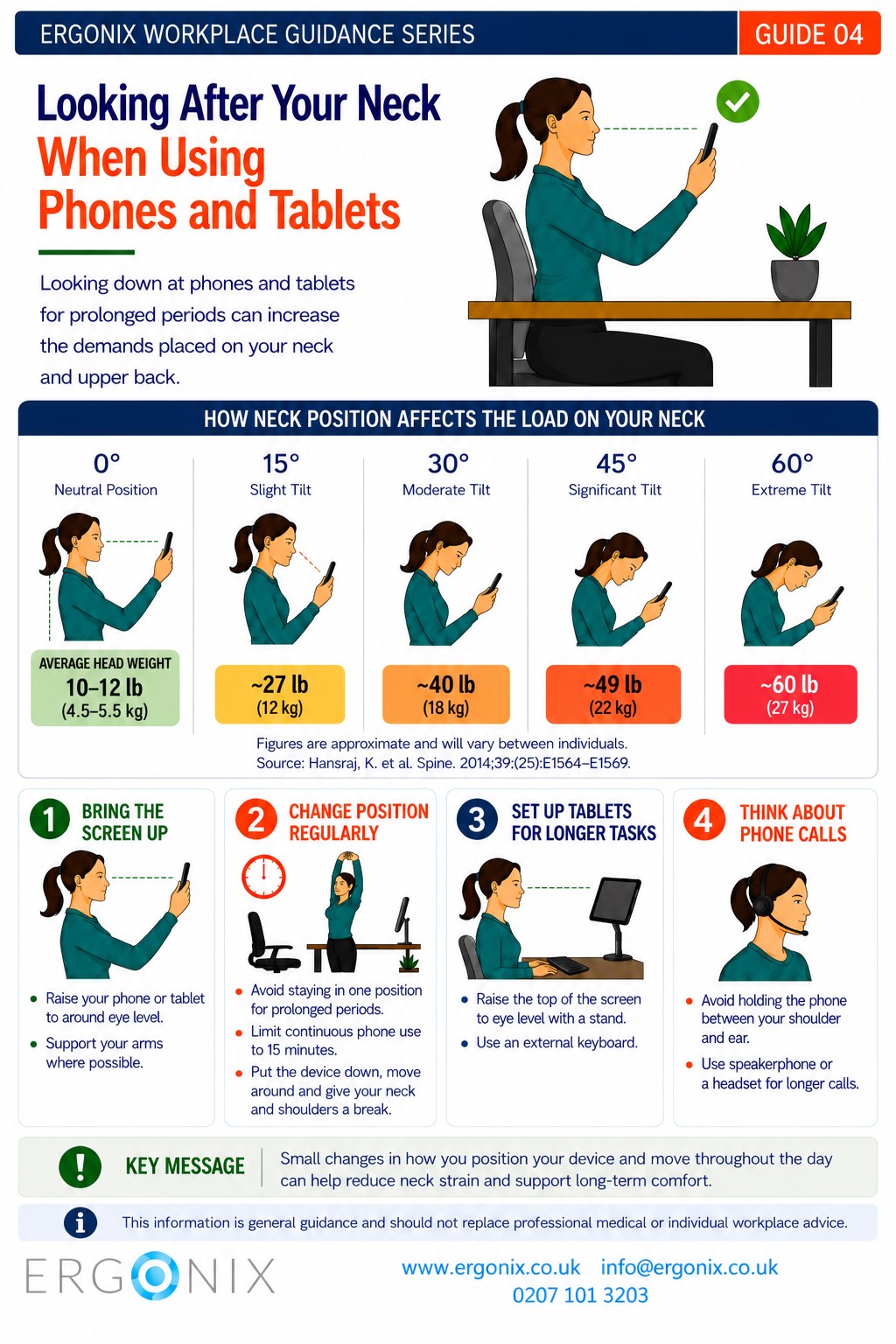
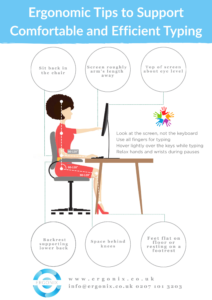
Poor typing habits can contribute to neck, shoulder, and upper limb discomfort. Common issues include forward and flexed head posture from constantly looking down at the keyboard and slumped posture where the spine is curved from hunching over the workstation. Employees may also experience elevated shoulders or tense upper arms from inefficient finger movement. They can also develop wrist and hand strain from awkward positioning or pecking at the keyboard with one or two fingers, a technique where only a few fingers are used instead of all fingers.
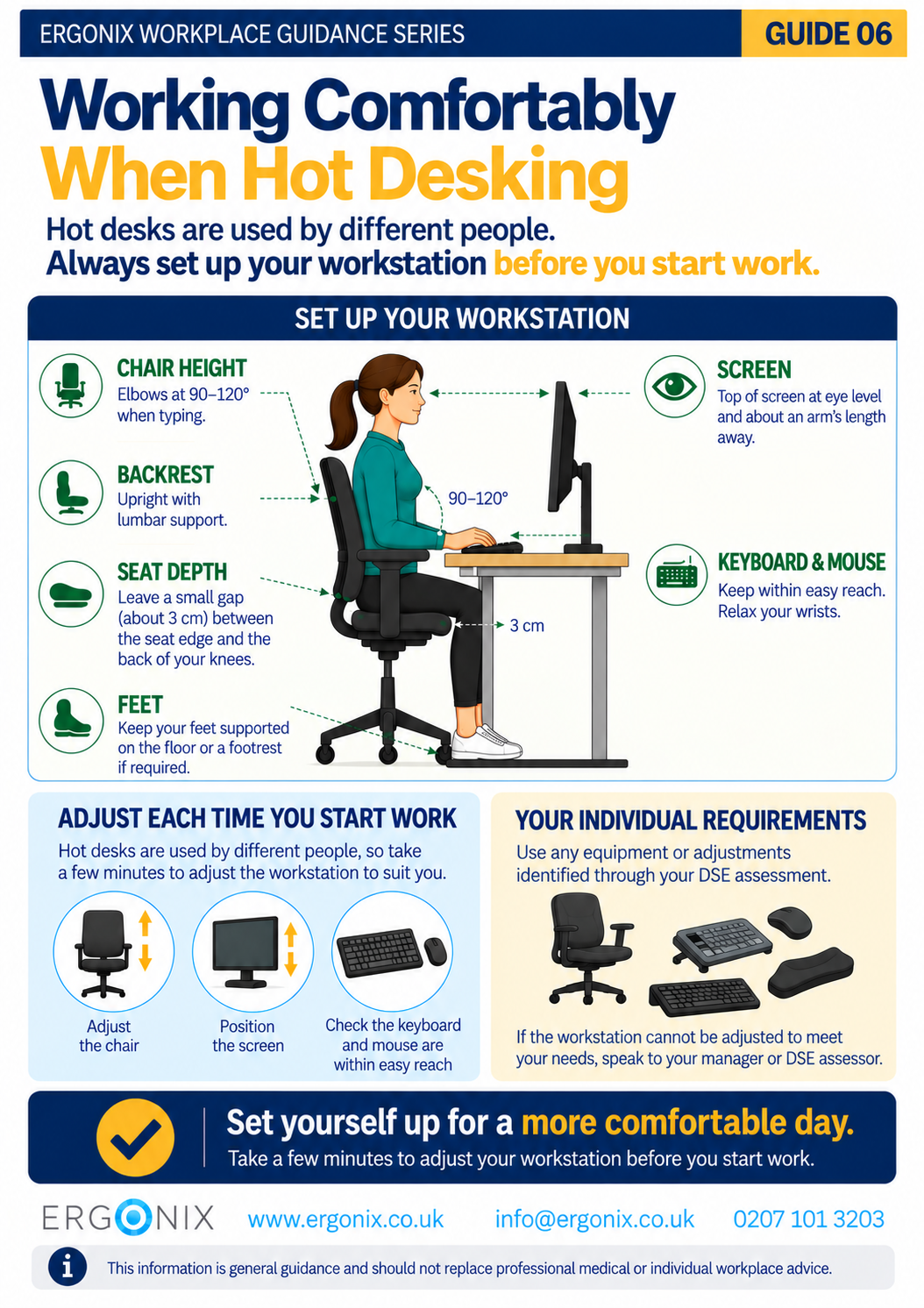
Touch typing encourages a more neutral posture and more efficient hand and finger movement . Employees can maintain a relaxed upper body, keeping their hands aligned with the keyboard and eyes focused on the screen, rather than shifting between keyboard and monitor. Over time, this behavioural change can reduce cumulative strain and can help prevent musculoskeletal disorders, complementing workstation adjustments identified through DSE (display screen equipment) assessments, which often do not fully consider typing technique.
Supporting focus and reducing fatigue
Beyond physical benefits, touch typing also reduces cognitive load. When employees are no longer visually tracking the keyboard, they can concentrate more effectively on tasks and ideas. With practice, touch typing becomes more fluent and automatic, allowing employees to focus on the content of their work rather than the mechanics of typing. This can also support better spelling and writing flow, as employees can pay attention to what they are composing rather than looking down at the keys. Reducing cognitive effort in this way can make prolonged computer work feel less tiring and help sustain attention throughout the day. For employers, this supports smoother workflow and fewer errors, without increasing work demand on employees.
Working More Efficiently, Without Extra Effort
Touch typing can also make everyday computer tasks easier and more comfortable, helping employees manage administrative work with less effort. Typing fluidly reduces unnecessary physical effort, enabling employees to work more smoothly and maintain comfort during prolonged keyboard use. It’s important to note that not all employees will naturally touch type, and skill levels can vary for many reasons, including prior experience or individual learning needs. Organisations should approach touch typing as an ergonomic and skill-support measure, providing guidance and resources where appropriate, prioritising employee comfort and wellbeing rather than speed or performance targets.
Practical guidance for employers
Employers can integrate touch typing into a broader ergonomic strategy by including it in induction and training resources, reinforcing good posture habits, promoting microbreaks and varied tasks, and monitoring discomfort to support adjustments.
Even with improved typing technique, sustained keyboard work can cause fatigue. Encouraging short breaks, stretches, or alternating tasks is important. Touch typing can reduce risk, but it is not a replacement for workstation ergonomics. Occupational health checks and early reporting of discomfort remain essential.
Integrating touch typing into workplace wellbeing
Touch typing is most effective when viewed as one element in a holistic approach to employee wellbeing. Alongside ergonomic workstations, movement breaks, and awareness of musculoskeletal risks, it supports healthier work habits and helps employees maintain comfort and concentration during the day.
Conclusion
While often underestimated, touch typing is a simple behavioural adjustment with meaningful benefits. It promotes neutral posture, reduces cumulative strain on the neck, shoulders, back, wrists, and supports concentration during computer-based tasks. When combined with wider ergonomic strategies, touch typing contributes to healthier, more sustainable ways of working, benefiting employees, teams, and organisations alike.
For professional DSE assessments, DSE assessor courses, workplace training, and advice on preventing musculoskeletal injuries, contact Ergonix for tailored support for your team.
Related Infographics:
Related articles:
How to Achieve Optimal Typing Posture: Tips for Preventing Musculoskeletal Strain
DSE (Display Screen Equipment) Safety Training. Ensuring a Safe Workplace