 Display Screen Equipment (DSE) is part of most workplace roles, yet the risks associated with its use are often underestimated. Discomfort and injury are rarely linked to a single cause. Identifying key risk factors early allows organisations to take practical steps to reduce strain and support effective workstation practices. This article outlines eight common DSE-related habits that, if left unchecked, may contribute to musculoskeletal aches and pains over time, along with practical guidance on how to address them.
1. Incorrect Chair Height and Lack of Support
Inappropriate chair setup is a common ergonomic risk in DSE workstations. Chairs that are too high or too low, or that lack adjustability, increase mechanical load on the neck, shoulders, forearms, back, and lower limbs, may contribute to musculoskeletal aches and pains over time.
Key considerations for workplace ergonomics:
- Adjust chair height so elbows are approximately 90–120 degrees when forearms are supported at desk level
- Maintain a small gap of approximately 3 cm between the front edge of the seat and the back of the knees to support circulation
- Ensure chairs provide adjustable lumbar support to maintain the spine’s natural curve and support upright posture
- Use backrests that are both height-adjustable and tilt-enabled to accommodate individual postures
- Configure armrests to allow elbows to remain close to the body, with wrists aligned at desk height
Organisational recommendations:
Ensure all employees have access to adjustable chairs and include chair setup guidance in workstation assessments. Regular review and adjustment of seating configurations help reduce musculoskeletal risk and support overall workplace ergonomics.
2. Laptop Use Without Appropriate Accessories
The use of laptops as a primary workstation without appropriate ergonomic adjustments is a common issue in DSE environments. Laptop screens are typically positioned too low, which can result in increased neck flexion and rounding of the shoulders. Over time, this may contribute to musculoskeletal aches and pains, particularly in the neck, shoulders, and upper back.
Key considerations for workplace ergonomics:
- Where possible, use an external monitor rather than relying on the laptop screen as the primary display
- If an external monitor is not available, elevate the laptop screen so that the top of the screen is at eye level using a laptop riser
- Use an external keyboard and mouse positioned at elbow height to support neutral wrist, forearm, and shoulder alignment
- Ensure input devices are placed within easy reach to avoid overreaching and sustained postural strain
Organisational recommendations:
Workstations that rely on laptop use should be assessed and equipped with suitable accessories. Providing external monitors, keyboards, and mouse devices supports neutral posture and reduces the risk of musculoskeletal strain in laptop-based working environments.
3. Dual Monitor Setups
Dual monitors are widely used to support productivity, but they can introduce ergonomic risks when the workstation is not configured correctly. Poor dual monitor setups may contribute to musculoskeletal strain, visual discomfort, and reduced efficiency.
Common risks associated with dual monitor use:
- Incorrect positioning: Screens placed too far apart, at different heights, or at unsuitable angles can require excessive neck rotation, flexion, and repeated head movement, contributing to discomfort in the neck, shoulders, and upper back
- Mismatched screen sizes or resolutions: Differences in screen dimensions or display quality require continuous visual adjustment, which can lead to visual fatigue, headaches, and reduced concentration
- Off-centre input devices: Positioning keyboards and mouse devices to one side to align with a specific screen can result in asymmetrical reaching and trunk rotation, increasing strain on the upper limbs and spine
- Excessive viewing distance: Sitting too far from the screens may encourage leaning back or slumped postures, increasing visual strain and reducing postural support
Key considerations for dual monitor configuration:
- Consistent monitors: Use screens of same size, height, and resolution to support visual consistency and to improve posture
- Equal use (50/50 configuration): Position monitors side by side with inner edges touching. Align the central viewing position so the head remains centred between both screens. Angle screens slightly inward and adjust tilt to reduce glare. Position top of the screens at eye level and at an appropriate viewing distance (approximately arm’s length)
- Primary and secondary use (70/30 configuration): Position the primary screen slightly off-centre in front of the user and the secondary screen to the side, touching the primary screen. Angle the secondary monitor inward more steeply than the primary one and tilt both backward slightly. This arrangement supports a neutral head and neck position by reducing excessive neck rotation and flexion
- Input device alignment: Keep the keyboard and mouse centred in front of the user and within easy reach to avoid overreaching or twisting
Additional considerations:
- Evaluate whether dual monitors are required based on the nature of the work tasks
- When using a laptop with an external monitor, avoid positioning the laptop screen at a lower height, as this can encourage neck flexion and rotation. In most cases, the laptop screen should be closed or disabled when an external monitor is in use
- Ensure display settings such as brightness, contrast, and resolution are aligned across screens to support visual comfort and reduce strain
A well-configured dual monitor workstation supports neutral posture, reduces ergonomic risk, and promotes sustained productivity within DSE environments.
Wrist Positioning at the Desk Edge
Resting the wrists on the desk edge during typing can place pressure on soft tissues and compress nerves. Over time, this may restrict circulation and contribute to discomfort, pain, or symptoms such as pins and needles or tingling in the hands.
Key considerations for workplace ergonomics:
- Adjust chair height so that elbows are positioned at 90–120 degrees, supporting the forearms while maintaining a neutral wrist and hand posture
- Maintain alignment between the forearms, wrists, and hands to minimise extension or deviation during typing and mouse use
- Avoid sustained contact between the wrists and the desk surface while actively typing by keeping the wrists slightly elevated above the keyboard
- Wrist rests are not required for all users and, if used incorrectly, may contribute to discomfort. When utilised, wrist rests should support the palms rather than the wrists and should be used only during pauses in typing, not while actively entering data
Organisational recommendations:
Workstation assessments should consider wrist posture alongside chair and desk configuration. Providing guidance on neutral positioning and appropriate use of accessories can help reduce upper limb strain and support safer DSE working practices.
5. Excessive Wrist Deviation During Mouse Use
Repetitive wrist movements involving radial deviation (towards the thumb side) and ulnar deviation (towards the little finger side) are commonly associated with poor mouse positioning or control. These movements can increase strain on the wrist and contribute to repetitive strain injuries over time.
Key considerations for workplace ergonomics:
- Encourage mouse use driven primarily by the shoulder and upper arm, rather than isolated wrist movement
- Position the mouse close to the keyboard and aligned with the user’s shoulder to minimise reaching and maintain neutral posture
- Ensure the mouse is appropriately sized and shaped to fit the user’s hand, supporting a neutral wrist position during use
Organisational recommendations:
Workstation assessments should include evaluation of mouse positioning, input technique, and equipment suitability. Providing appropriately positioned input devices and promoting neutral upper limb posture can help reduce the risk of musculoskeletal strain associated with repetitive tasks.
6. Phone Use Without Hands-Free Support
Cradling a phone between the ear and shoulder places sustained strain on the neck, shoulders, and upper back. This posture involves lateral neck flexion and muscle activation on one side of the body, which can contribute to musculoskeletal discomfort over time.
Key considerations for workplace ergonomics:
- Encourage the use of headsets or speakerphone functions to maintain a neutral head, neck, and shoulder posture during calls
- Avoid prolonged phone use in static positions without opportunities to change posture or take breaks
- Promote the use of hands-free solutions for tasks that involve extended or frequent phone communication
Organisational recommendations:
Where phone use is a regular part of work tasks, appropriate equipment such as headsets should be made available. Workstation assessments should include consideration of communication methods to support neutral posture and reduce unnecessary strain on the upper body.
7. Tablet and Mobile Device Positioning
Using tablets and other portable devices positioned flat on a desk encourages forward head posture, increased neck flexion, rounded shoulders, and suboptimal spinal alignment. Sustained use in this position can contribute to musculoskeletal discomfort in the neck, shoulders, and upper back, as well as increased joint strain.
Key considerations for workplace ergonomics:
- Use a tablet stand to elevate the screen to approximately eye level, reducing the need for neck flexion and forward leaning
- Where feasible, connect an external keyboard and mouse to support neutral wrist, forearm, and shoulder positioning
- Position devices close to the body to avoid excessive reaching and sustained forward postures
Organisational recommendations:
Where tablets form part of regular work tasks, suitable accessories such as stands, keyboards, and input devices should be provided. Workstation assessments should consider device positioning and usage patterns to support neutral posture and reduce ergonomic risk.
8. Insufficient Breaks and Prolonged Static Work
Prolonged periods of sedentary work without regular breaks can contribute to musculoskeletal discomfort, reduced circulation, and increased mental fatigue. Even where workstation ergonomics are optimised, sustained static postures place continuous load on the body and can affect both physical comfort and concentration.
Key considerations for workplace practices:
- Encourage regular microbreaks throughout the working day to reduce continuous static loading
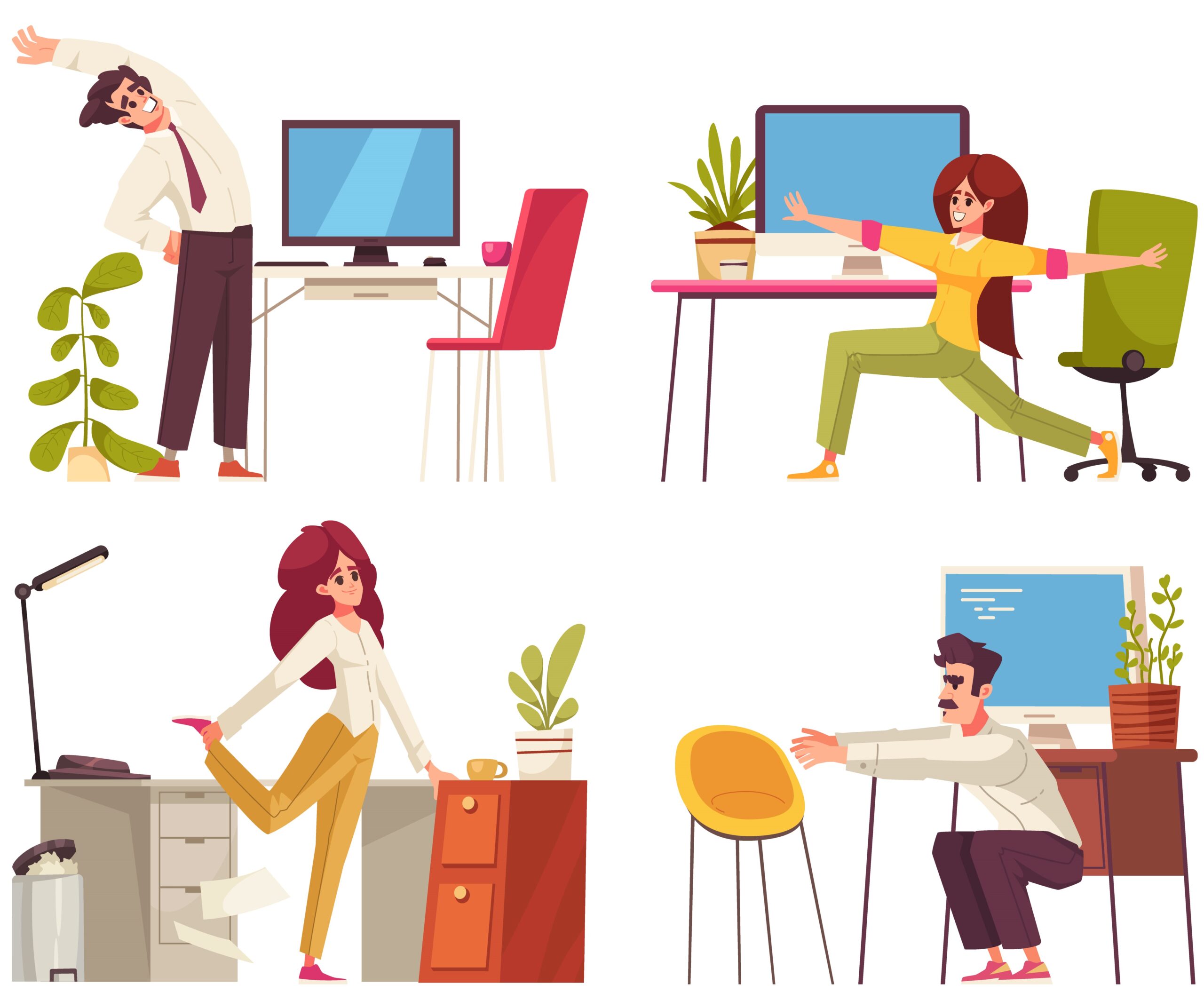
- Incorporate brief periods of standing, stretching, or walking at regular intervals, typically every 30 to 60 minutes
- Promote taking full lunch breaks away from the workstation to support both physical recovery and mental reset
- Avoid prolonged uninterrupted screen use without variation in posture or movement
Organisational recommendations:
Workplace policies and leadership behaviour should support regular breaks and movement. Encouraging and modelling these behaviours helps to establish a workplace culture that supports musculoskeletal health, reduces fatigue, and maintains productivity over time.
Supporting Healthier Work Habits Across Your Organisation
Small ergonomic improvements can have a meaningful impact over time. DSE-related risks often develop gradually, but many common workplace habits can be addressed through targeted education, appropriate equipment, and supportive organisational practices.
Organisations should prioritise DSE training and awareness of ergonomic principles to help reduce the risk of musculoskeletal aches and pains, while also supporting overall employee wellbeing. Regular workstation assessments also play a key role in identifying risk factors early, enabling practical adjustments that improve comfort, reduce strain, and support productivity.
Where organisations require additional support, access to expert-led training and workplace assessments can help implement consistent, evidence-informed approaches across teams.
If your organisation would benefit from expert guidance, training, or DSE assessments, CIEHF-accredited DSE Assessor Courses and workplace wellbeing workshops can support the implementation of effective, tailored solutions for your teams.
By Angela Yates | Workplace Health, Wellbeing & Ergonomics Specialist | HCPC-Registered Physiotherapist